

Sell Your Apple Devices
for Instant Cash.
Trade in your iPhone, MacBook, iPad, or Apple Watch for top dollar at our certified physical counter in Dearborn, MI. Immediate payouts via Cash, Zelle, or Apple Pay.
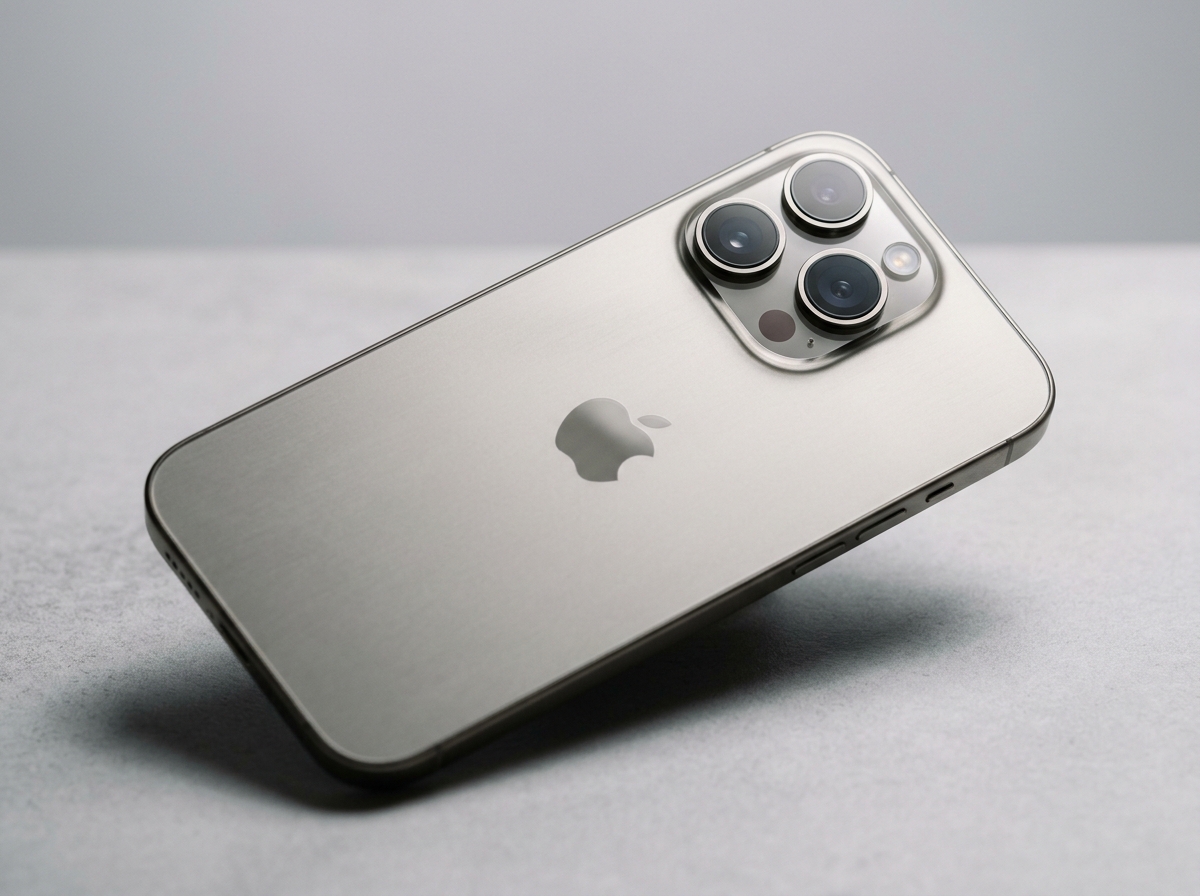
Engineered for Performance. Appraised for Real Cash.
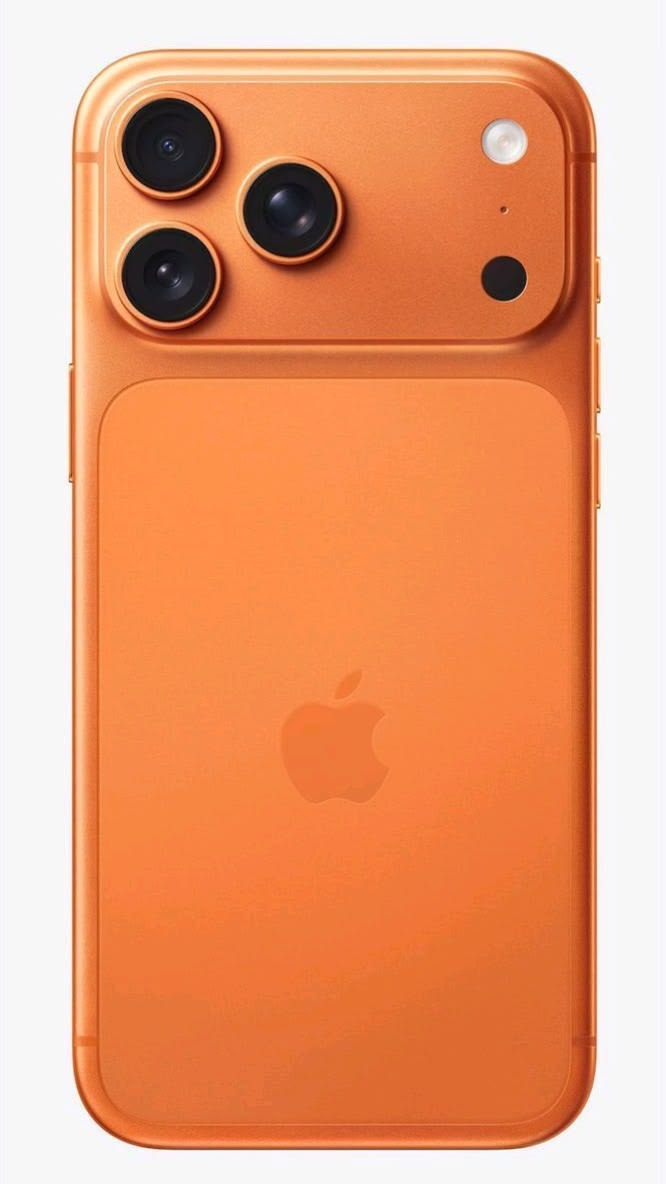
Apple iPhone 16 Pro Max
Apple MacBook Pro 16" (M3 Max)
Apple iPad Pro 13" (M4)
Apple Watch Ultra 2
Apple iPhone 16 Pro Max
A18 Pro chip, 48MP Fusion Camera, Grade 5 Titanium finish
Apple MacBook Pro 16" (M3 Max)
16-core CPU, 40-core GPU, Liquid Retina XDR 120Hz display
Apple iPad Pro 13" (M4)
Ultra Retina XDR Tandem OLED, M4 chip, razor-thin 5.1mm design
Apple Watch Ultra 2
3000 nits display, S9 SiP, Double Tap gesture, 36hr battery
All Apple Models (24)
.jpg)
.jpg)
.jpg)
.jpg)
.jpg)
.jpg)
The MobileXphone Apple Trade-In Experience
Everything you need to know about residual Apple values, cosmetic grading criteria, and turning your unused hardware into guaranteed physical cash at our Greenfield Rd counter.
Why Apple Hardware Holds Residual Value
Apple devices consistently sustain strong trade-in value across consumer electronics. Multi-year operating system support, durable construction, and consistent secondary-market demand ensure pre-owned hardware retains real liquidity.
Rather than navigating mail-in delays or multi-year carrier bill credits, MobileXphone provides straightforward on-site evaluation and immediate cash, Zelle, or Apple Pay payment at our Greenfield Rd counter in Dearborn, MI.
Condition Grading Explained
Your device evaluation is determined by four objective cosmetic and functional tiers:
- Brand New: Factory sealed in original unopened manufacturer packaging.
- Flawless: Pristine glass and enclosure with no visible marks; 100% operational hardware and biometric sensors.
- Good: Light surface wear from normal daily use; screen glass completely intact; full hardware functionality.
- Fair: Visible scratches, minor housing dings, or normal battery wear; fully functioning logic board and core features.
Preparing Your Apple Device for Walk-In Payout
Backup & Sign Out of Apple ID / iCloud
Create a fresh iCloud backup. Go to Settings > Your Profile > Sign Out. Turn off 'Find My iPhone' to ensure a smooth valuation transfer.
Unpair Apple Watch & Bluetooth Accessories
Open the Watch app on your iPhone and tap 'Unpair Apple Watch' so an automatic backup is archived before erasure.
Factory Reset & Clear All Content
Go to Settings > General > Transfer or Reset iPhone > Erase All Content and Settings. Our technicians verify DoD data wipe in front of you.
Bring Device & Government Photo ID
Bring a valid government-issued photo ID. Original accessories and boxes are welcomed but never required for evaluation.